
7 Steps to Mastering Spice Op-Amp Simulations Effortlessly
Simulating operational amplifiers (op-amps) using Spice tools can often seem overwhelming. Yet, by breaking down the process into manageable steps, you can simplify the task and master it with ease. Here’s how you can achieve successful op-amp simulations effortlessly.
1. Start with a clear understanding of the op-amp model
Before diving into simulations, grasp the specifications and functions of the op-amp you plan to simulate. Knowing parameters such as input offset voltage, bandwidth, and slew rate is crucial. This foundational knowledge ensures you are working with the correct settings from the start. For instance, if you’re using a common op-amp like the 741, be aware of its relatively low slew rate and bandwidth compared to modern alternatives.
2. Set up your simulation software
Ensure your Spice simulation software is correctly installed and configured. Configure the environment settings to match the specifications you noted. A properly set-up tool will prevent errors during simulation and provide accurate results. It’s also advisable to update to the latest software version, as updates often fix bugs and enhance performance, ensuring a more seamless workflow.
3. Import or create the op-amp model
Many simulation tools come with pre-built op-amp models. If your specific model is unavailable, you might need to create a custom model by inputting the parameters manually. This step is crucial to ensure that the simulations reflect real-world conditions accurately. For example, while simulating a high-speed op-amp, ensure your model includes parasitic capacitances that might affect performance at higher frequencies.
4. Design your circuit with precision
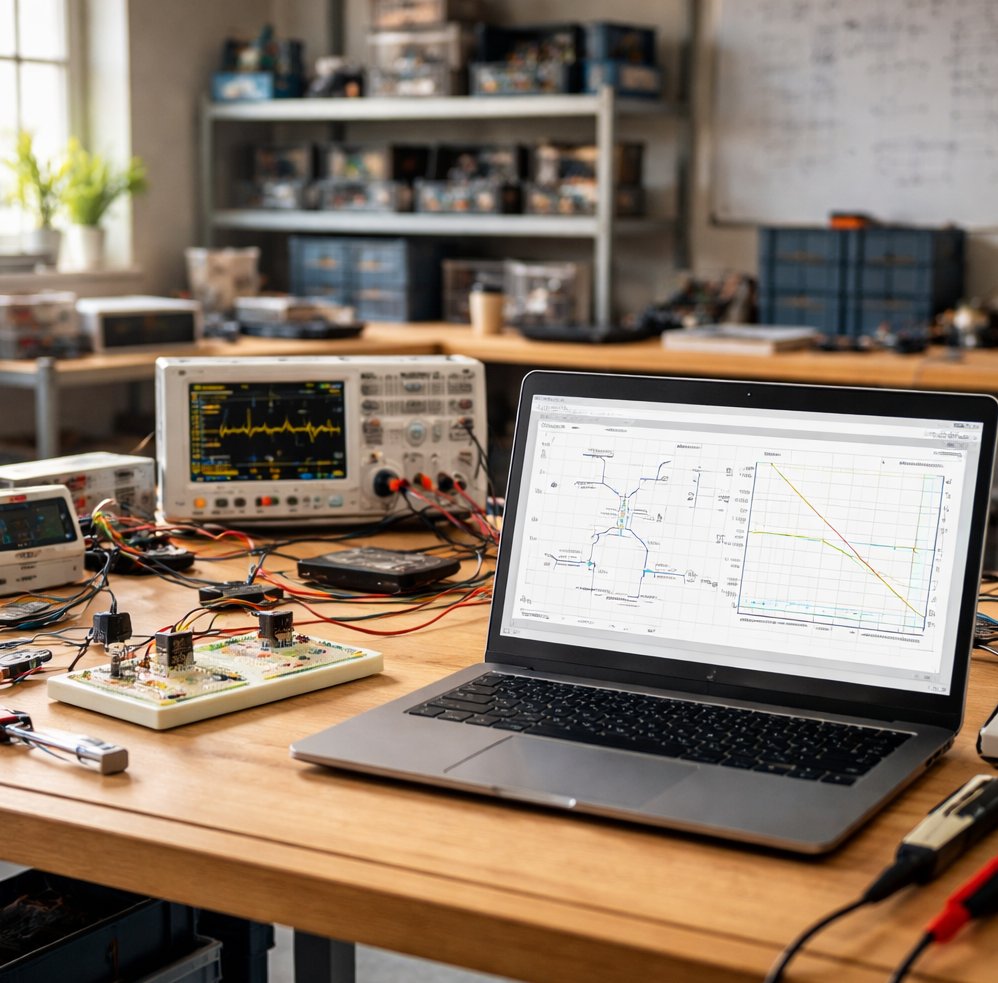
Accurate circuit design is critical. Place the op-amp in your circuit, deciding on the configuration that meets your needs — be it inverting, non-inverting, or differential. Double-check all connections and components to prevent simulation errors later on. It’s beneficial to use a breadboard to prototype your design physically. This hands-on approach helps validate your simulation results against real-world behavior.
5. Run initial simulations
Begin with basic simulations like DC analysis to check the bias points. Observing the DC operating point helps verify the op-amp is functioning correctly in the circuit. This step acts as a preliminary check before diving into more detailed analysis. If you notice deviations, consider elements like mismatched component values or insufficient power supply voltages, which are common issues in such setups.
6. Dive into AC and transient analysis
Once the basic functionality is confirmed, proceed to AC analysis to evaluate the frequency response of the op-amp. This analysis provides insights into the bandwidth and stability of your circuit. Additionally, perform transient analysis to observe how the op-amp behaves over time, which is crucial for understanding dynamic performance. Pay particular attention to the phase margin during AC analysis, as it indicates the potential for oscillations in your circuit.
7. Interpret results and iterate
Thoroughly analyze the simulation results. Identify any discrepancies between expected and actual outcomes. This interpretation will guide necessary adjustments to your model or circuit design. Iteration is key ; refine the simulation parameters and components until you achieve the desired performance. A practical tip is to create a log of changes and outcomes, helping you track which adjustments yield improvements and which do not.
With these steps, you can streamline the process of simulating op-amps using Spice models. By knowing your model, configuring your tools meticulously, and understanding the simulation results, you create a powerful workflow. This rigour ensures that your simulations are not just exercises but valuable tools for circuit design and analysis. Furthermore, consulting online forums and experts when stuck can provide new insights and solutions, expanding your understanding and skills in simulation.
